
The Samsung dishwasher OC code (often shown as 0C or oE on some models) means an “over‑level water error”: there is too much water in the tub compared to what the control board expects at that point in the cycle.
In practice, this almost always points to a drainage or slow‑drain problem, sometimes combined with a filling or water‑level sensing issue, rather than a pure leak in the base like the LC code.
What OC / 0C / oE actually means
When an OC code appears, the dishwasher’s internal sensors report that the water level has risen above the normal operating level.
The control board is programmed with expected water levels and times; if the water isn’t pumped out fast enough, or if extra water keeps entering, it flags this over‑level condition and stops the cycle with OC on the display.
On some models without a text display, the same fault is indicated by specific blinking light combinations instead of the letters “OC”, but the meaning is the same: “too much water in the tub”.
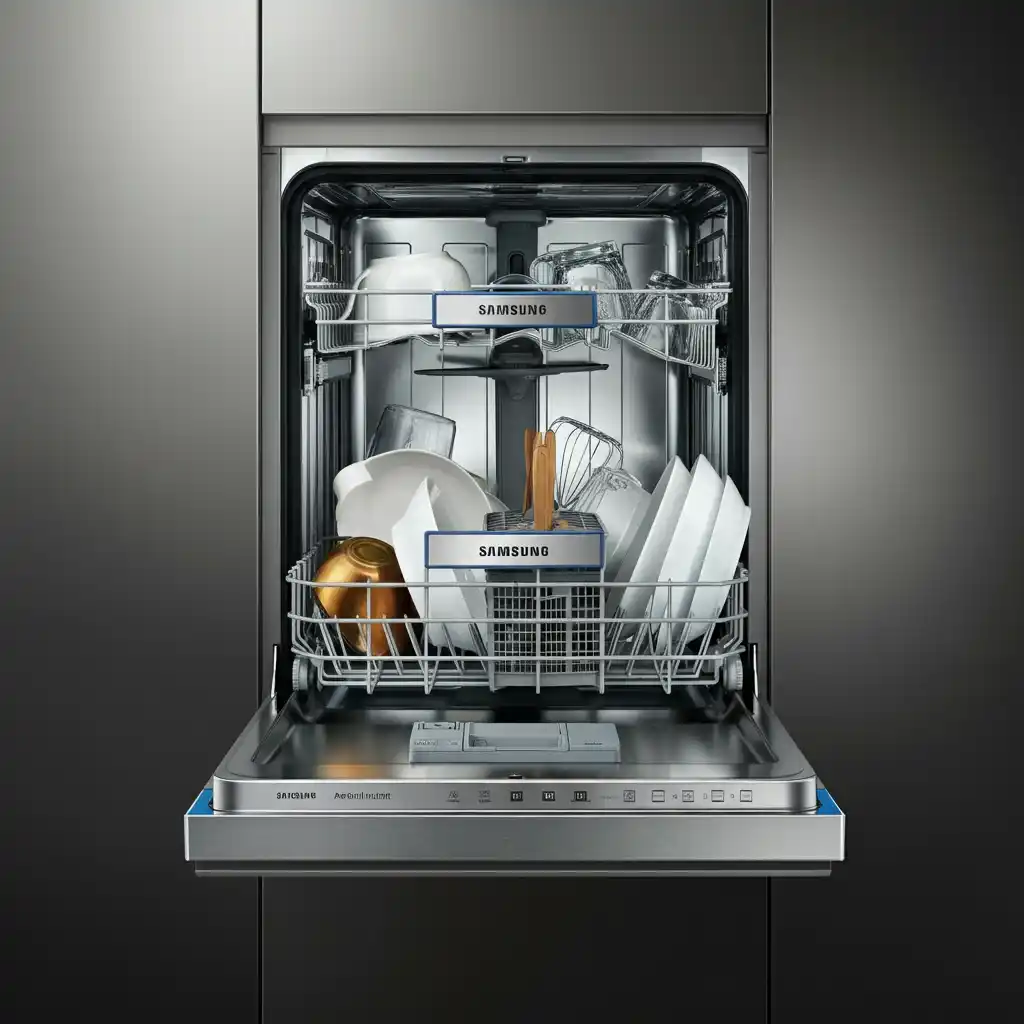
How OC relates to other Samsung water codes
Understanding OC is easier when you see it alongside other Samsung codes:
- 4C / 4E – Water supply error
The dishwasher is not filling properly (low water pressure, closed valve, kinked inlet hose). - 5C / 5E / SC / SE – Drain error
The dishwasher is not draining properly (blocked filter, drain pump or hose issues). - OC / 0C / oE – Over‑level water error
The water level is too high in the tub, often because draining is slow or incomplete, or because the machine is overfilling. - LC / LE – Leak error
A separate leak sensor in the base pan has detected water under the tub, indicating a leak into the bottom of the machine.
So, OC is essentially the machine warning you that drainage or fill control has gone wrong enough that the tub is fuller than it should be.
Common causes of the Samsung OC code
Typical real‑world reasons for OC include:
1. Drainage restrictions
- Clogged filters; food debris, seeds, or labels blocking the filter screens.
- Blocked sump area, where water enters the drain pump.
- Kinked or partially clogged drain hose, especially where it runs behind the dishwasher or connects to the sink or garbage disposal.
- Blocked air gap (if present) or a clogged sink/disposal that causes water to back up into the dishwasher.
If water can’t leave the tub at the expected rate, it will remain higher than normal and trigger OC.
2. Weak or obstructed drain pump
- A foreign object (glass shard, bone, piece of plastic) jammed in the drain pump impeller.
- A worn or failing pump motor that runs but doesn’t move enough water.
Here the dishwasher is trying to drain, but the pump simply can’t keep up, so the tub stays over‑full.
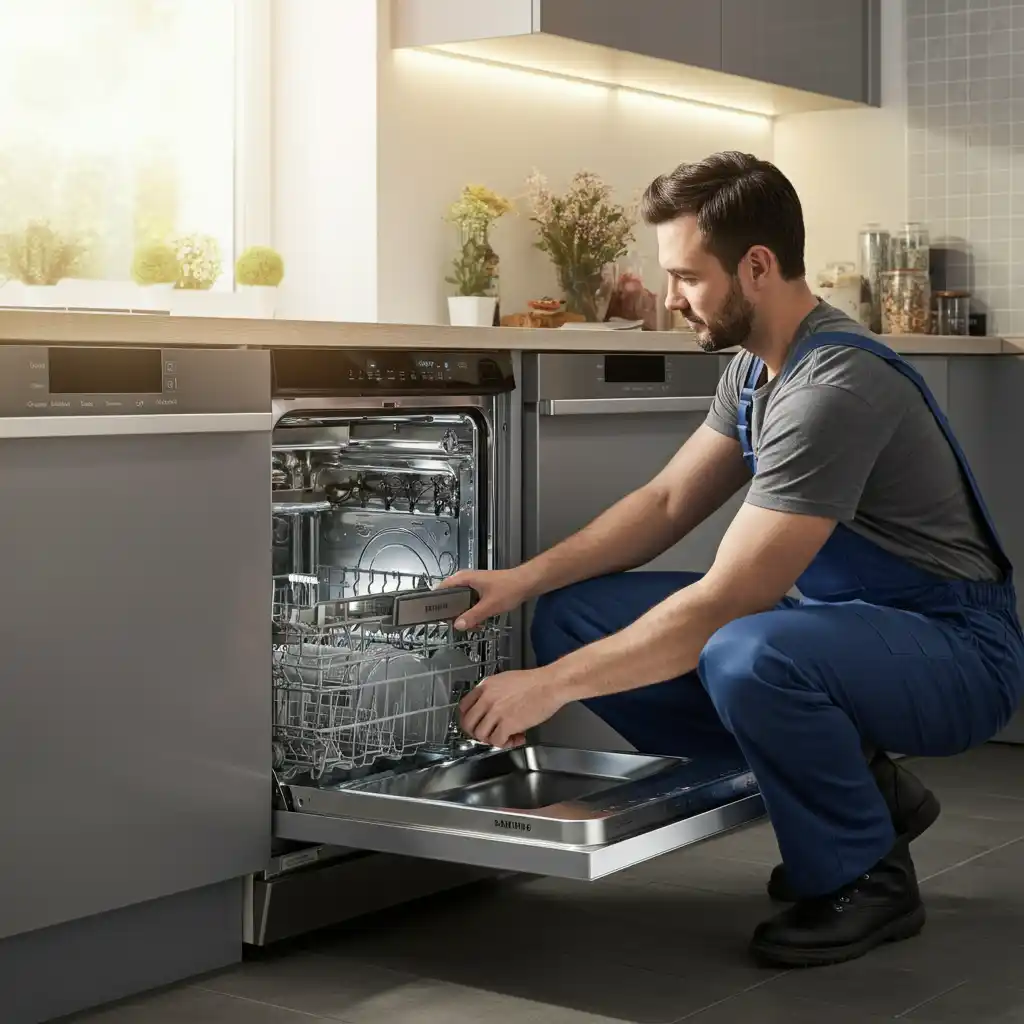
3. Overfilling and sensor issues
- A faulty water level or pressure sensor that misreads the level as too high even when it’s normal.
- A sticking inlet valve that allows water to continue trickling into the tub even after the control has signalled “stop filling”.
These problems mean the control board sees a water level that’s above its safe setpoint and raises the OC error.
4. Installation and usage problems
- Running a cycle while the sink or garbage disposal is blocked, so pumped‑out water has nowhere to go and flows back.
- Drain hose installed without a proper high loop or air gap, letting sink water siphon back into the dishwasher.
- Dishwasher not level, causing water to pool more deeply than expected on one side, confusing the level sensor.
These are especially common right after a new install or kitchen remodel.
Step‑by‑step fix: Clearing an OC error
1. Stop, power down, and close the water
- Cancel the current cycle.
- Turn the dishwasher off at the breaker or unplug it.
- Close the water supply valve to the dishwasher under the sink.
This prevents further filling or pumping while you troubleshoot.
2. Check the tub water level
Open the door and look inside:
- If you see standing water near or above the filter area, it confirms there is a drainage problem.
- If the water level looks low or normal but OC still appears, suspect a sensor or inlet valve issue later in the process.
Either way, you should fully inspect the drain path.
3. Clean the filter, sump, and drain area
Do this thoroughly:
- Remove the lower rack.
- Take out the coarse and fine filters at the bottom, rinse them under running water, and remove any stuck debris.
- Look into the sump opening (beneath the filter) with a flashlight. Remove anything you see—glass, bones, bits of plastic, seeds, twist ties.
- If your model allows, gently check around the drain pump impeller. It should rotate freely with light pressure.
A surprisingly small obstruction can cripple drainage enough to cause OC.
4. Check the drain hose and sink/disposal connection
Next, verify that water has a clear path out of the dishwasher:
- Follow the drain hose from the dishwasher to the sink drain or disposal.
- Make sure it isn’t kinked, crushed, or sharply bent, especially where it passes through cabinetry or behind the unit.
- Place a container under the hose at the sink/disposal end and disconnect it there. Then restore power briefly and run a drain/cancel or test cycle to see whether water flows strongly from the hose.
- If you have a garbage disposal, ensure it isn’t clogged and that its internal knockout plug was removed when the dishwasher drain was connected.
- If there’s an air gap on the sink, open it and clear any food debris.
If the hose or sink side is restricted, fix that before going further. A clear, strong flow from the drain hose is critical.
5. Confirm proper hose routing and leveling
Check the installation basics:
- Make sure the drain hose rises in a high loop under the countertop or passes through a valid air gap before dropping into the drain. This helps prevent dirty sink water from flowing back into the dishwasher.
- Use a level to check the dishwasher front‑to‑back and side‑to‑side. Adjust the front leveling legs (and rear, if accessible) so the unit is stable and level.
An incorrect hose layout or an out‑of‑level machine can create hidden over‑filling and backflow problems that lead to OC.
6. Consider pump, valve, or sensor faults if OC persists
If everything in the drain and installation checks out but OC continues, you may be dealing with:
- Drain pump failure or weakness
- The pump runs but does not move enough water, or makes unusual noises.
- Usually solved by replacing the drain pump assembly.
- Water level/pressure sensor issue
- The sensor could be blocked by residue or have failed electrically.
- It may falsely report “over‑full” even when the water level is normal.
- Inlet valve sticking open
- Watch for water slowly seeping into the tub even when the dishwasher is off; that indicates the fill valve is not fully closing.
Testing these components properly involves electrical measurements and direct access to internal parts, which many users prefer to leave to a professional.
Quick OC troubleshooting checklist
Use this as a practical workflow:
- Power off and reset
- Turn the machine off for 5–10 minutes, then try again. If OC returns, continue.
- Inspect the tub
- Is there standing water? If yes, treat as a drain problem first.
- Clean filters and sump
- Remove filters, clean them thoroughly, clear all debris from the sump.
- Check drain hose and sink/disposal
- Ensure no kinks, blockages, or disposal clogs. Confirm strong flow out of the hose.
- Verify high loop/air gap and leveling
- Correct hose routing and make sure the dishwasher is level.
- Observe a test cycle
- Watch how the water level rises and drains. Note any slow drainage or refilling when it shouldn’t.
- Escalate to components
- If the above are fine, suspect the drain pump, inlet valve, or water level sensor and consider professional service.
When to call a professional or Samsung support
You should call a technician or Samsung support if:
- OC comes back repeatedly even after you’ve fully cleaned the filters and confirmed the drain hose and sink connections are clear.
- The dishwasher appears to overfill to the point of nearly overflowing at the door.
- Water slowly enters the tub when the machine is off, which strongly suggests a faulty inlet valve.
- You are uncomfortable pulling out the dishwasher, working under cabinets, or dealing with electrical tests.
A professional can enter diagnostic modes (if available), measure the drain pump’s performance, test the water level sensor and inlet valve with a meter, and replace any failing parts safely.
FAQs about Samsung dishwasher OC code
What does OC mean on a Samsung dishwasher?
OC (also displayed as 0C or oE) is an over‑level water error, meaning there is more water in the tub than the control thinks should be there, usually due to slow draining or overfilling.
Is OC the same as a drain error (5C)?
No, but they’re related. 5C is a straightforward drain error, while OC means too much water remains in the tub, often because it didn’t drain properly.
Can I fix OC myself?
Often yes. Start by cleaning the filters and sump, clearing the drain hose and sink/disposal, and checking the hose routing and leveling. Many OC issues are resolved at that level.
Does OC mean the dishwasher is leaking?
Not directly. OC is about water level inside the tub; LC/LE are the codes that indicate leaks into the base pan under the tub.
Is it safe to keep running the dishwasher with OC showing?
No. OC warns that the water level is abnormal and the machine may overflow or fail to drain correctly. Always resolve the cause before resuming regular use.